overdrive

A game library, browsed the way your PS5 does.

Overdrive is homebrew that runs on the console itself. Move through the library with the controller, with the focus, art and pace of the system store.

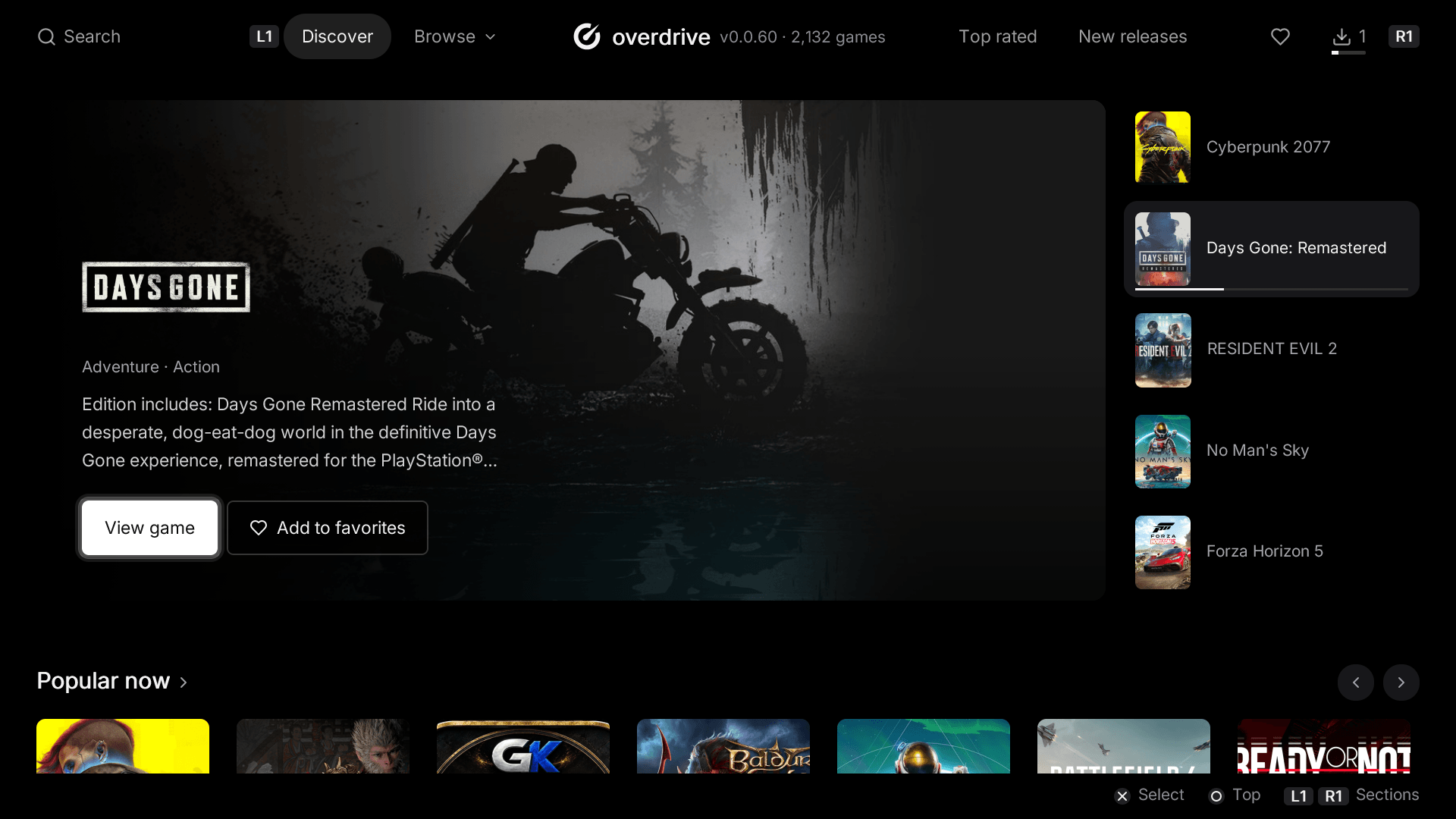
Overdrive's home screen on the TV: Days Gone in the spotlight, five featured games beside it, Popular now below.

The home screen, running.

Five picks take turns every seven seconds, as they do on the console. Point at one to hold it there.

Marvel's Spider-Man 2

Action

Spider-Men Peter Parker and Miles Morales face the ultimate test of strength inside and outside the mask as they fight to save the city, each other and the ones they love, from the monstrous Venom and the dangerous new symbiote threat.
View game

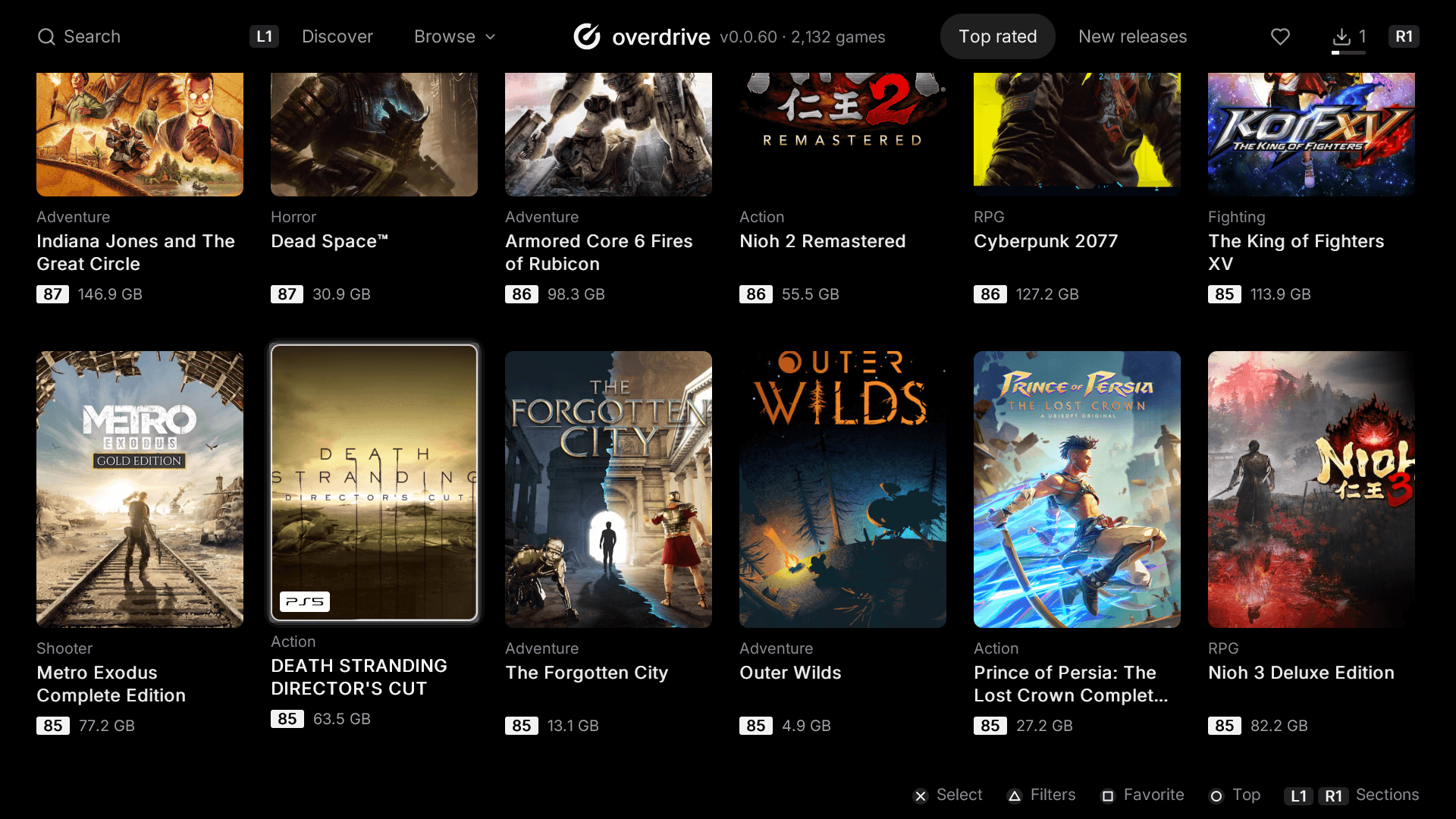
Six to a row, as fast as you hold the stick.

Covers load ahead of the focus and stay on the console once fetched, so going back through the library is instant.

The library grid on the console: a card in focus, its PS5 tag on the cover.

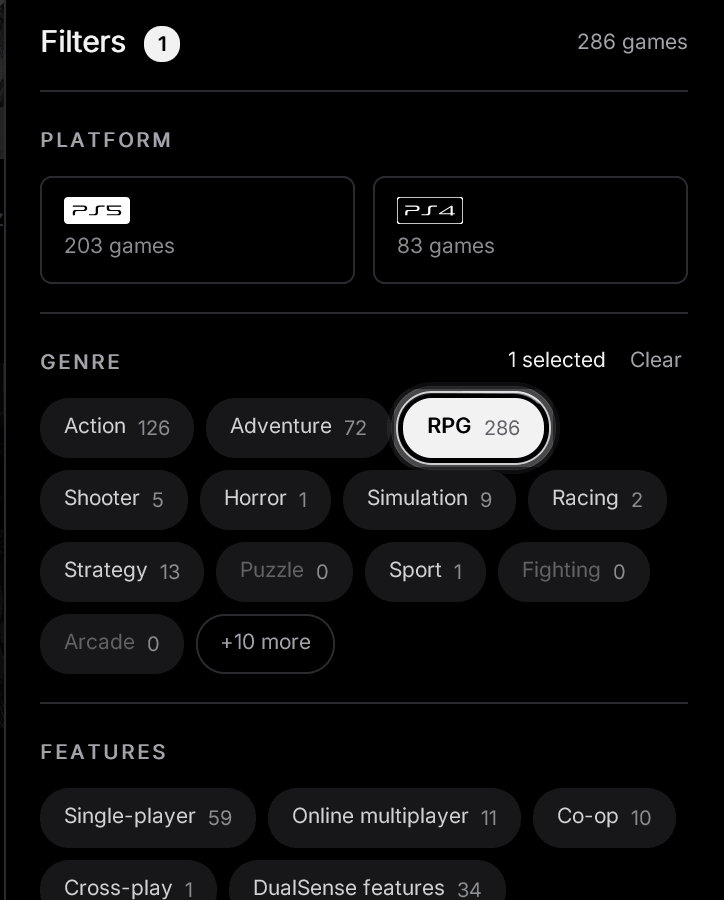
Every filter says what it will find.

Platform, genre, features, release, size. Each option shows how many games it leaves, and the ones that would leave none step out of the way.

The filters panel: PS5 and PS4 tiles with their counts, genre pills, RPG picked, Puzzle and Fighting dimmed at zero.
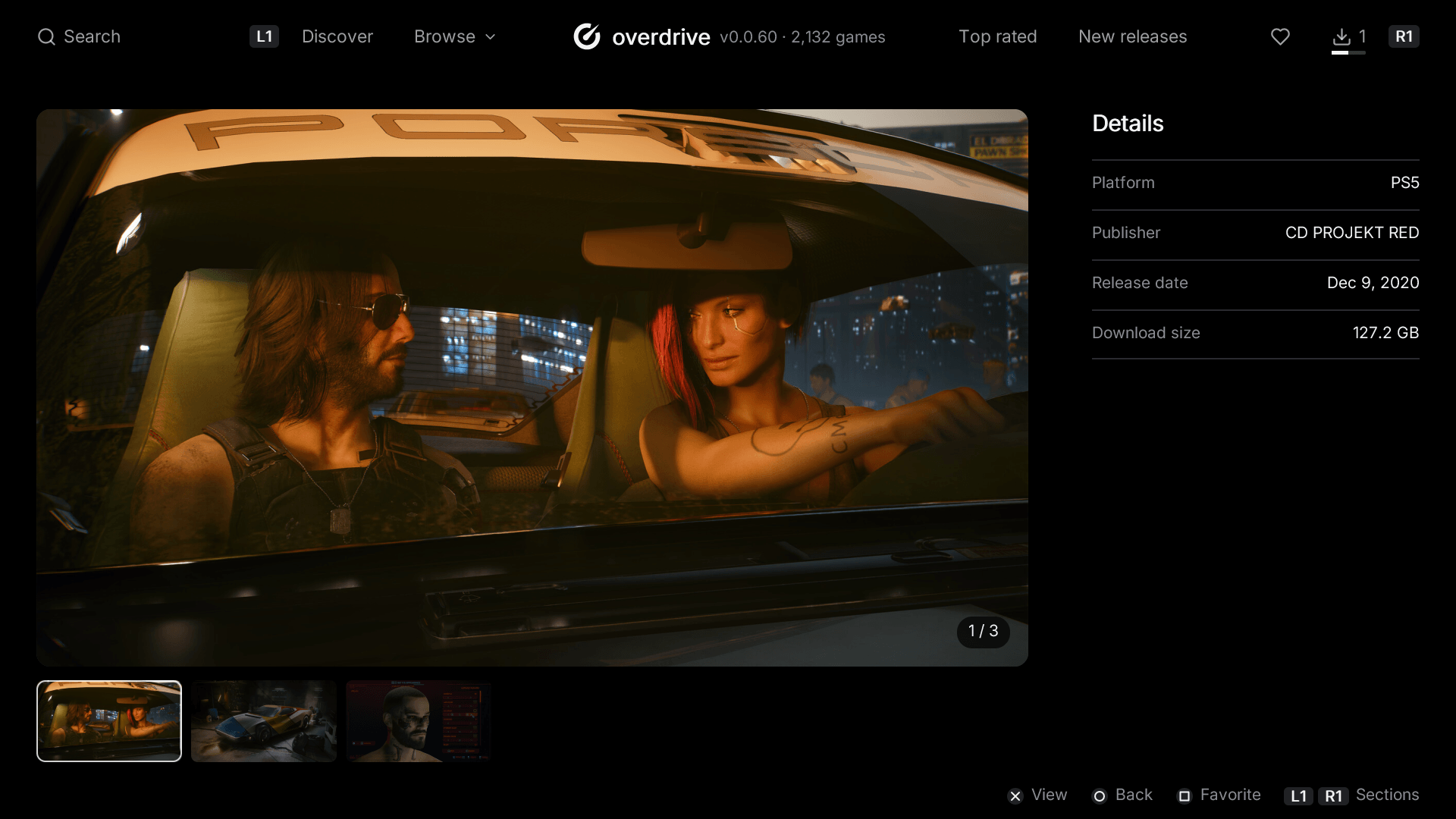
Cyberpunk 2077's page on the TV: a screenshot open in the gallery, its thumbnails below and the details beside it.

A page for every game.

Art, details and screenshots, each one full screen with a press.

The library

1,822 titles

Loading the library…

Install it in three steps.

Overdrive is a PS5 app like any other once it is on the console: no PC in the room after this.

  1. 1

    Start a homebrew session

    A PS5 running a homebrew loader, with an ELF loader listening for payloads.

  2. 2

    Copy the app to the console

    Put the Overdrive folder here:

    /data/homebrew/PPSA99058
  3. 3

    Register it with ShadowMountPlus

    Overdrive then sits on the home screen like any game.